
Copy once. Paste smarter.
Capture once. Fill the sheet.
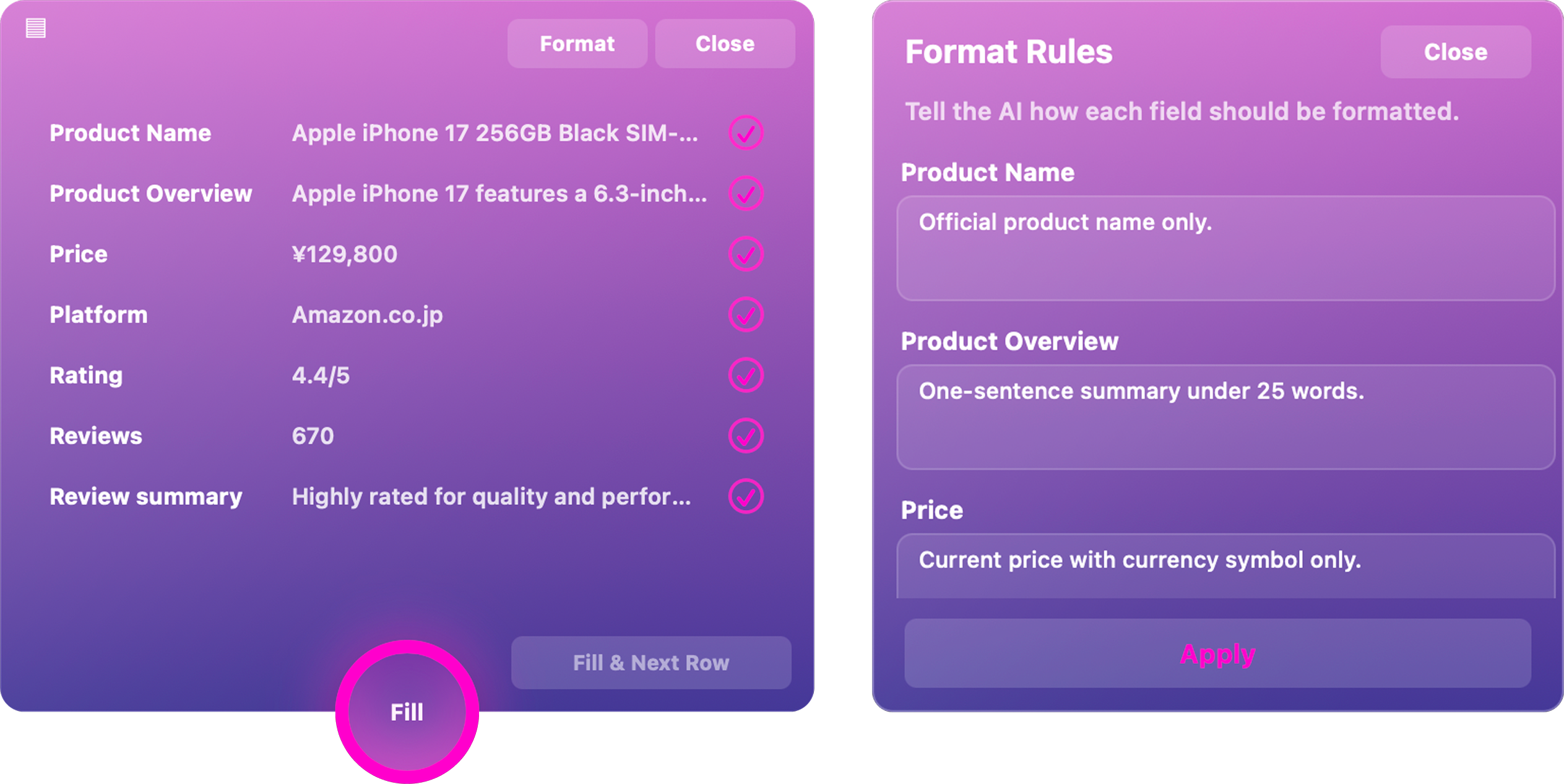
Smart Capture reads the page link, detects the fields your Google Sheet needs, then Smart Fill places each value into the right columns.
Format values with a prompt.
CLEAN OUTPUT BEFORE IT PASTES.
Tell ClipCycle how each field should look:


 Your captured values are cleaned into the format you asked for before they reach your sheet.
Copy first. Paste later.
STOP LOSING COPIED TEXT.
Keep every copied item in a tidy queue, then paste the right text when you need it. Build up multiple clips without switching windows or losing your place.
Can’t copy it? Snip it.
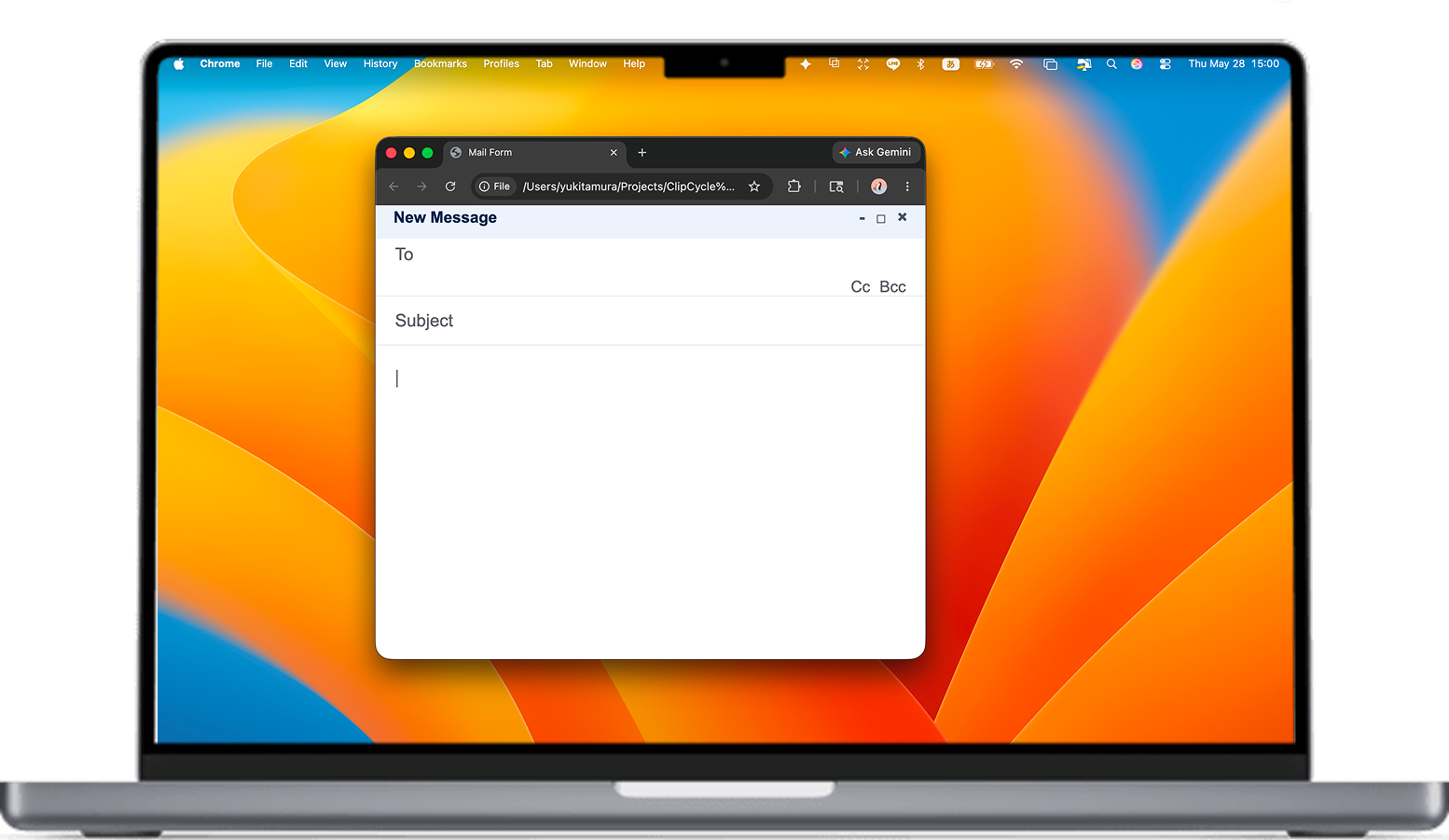
COPY TEXT FROM ANYWHERE ON YOUR SCREEN.
Select any area on screen and send the text straight to your queue.
Perfect for

 and apps that don’t let you copy.
Save it once. Use it anytime.
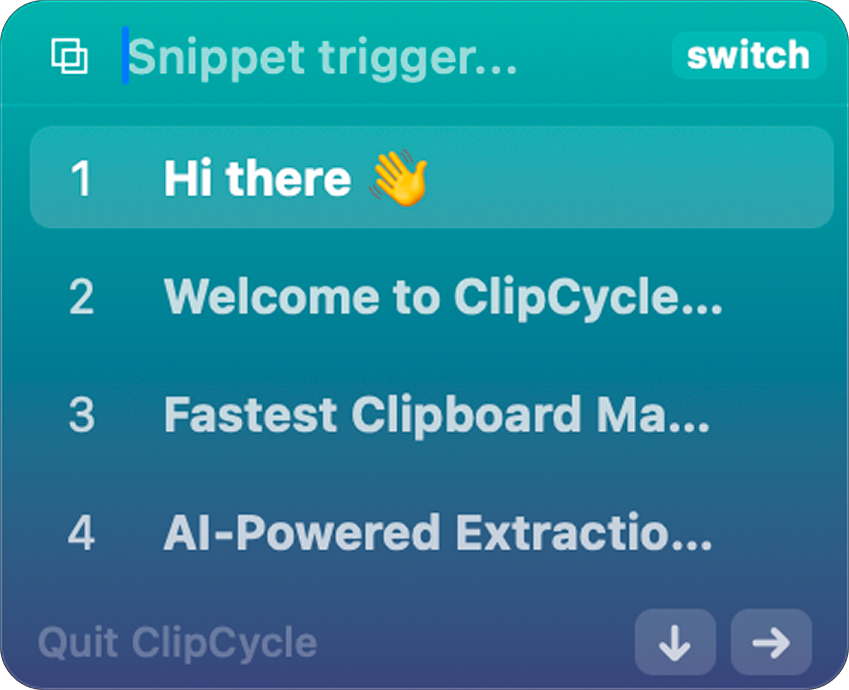
SNIPPETS FOR TEXT YOU REPEAT.
Store


 and any text you reach for again and again. Type a trigger, call up the right snippet instantly, and paste it without rebuilding the same sentence twice.
Keyboard-first workflow.
Download once. Work faster with Smart Fill.
ClipCycle is a $9.90 one-time app purchase. Add a Smart subscription and the published Google Sheets Bridge when you want faster capture, cleaner formatting, and fewer manual sheet edits.
ClipCycle App
The Mac clipboard app. Buy once, use forever.
Smart Starter
Smart capture and fill for regular spreadsheet work.
Smart Pro
More capacity for daily research, admin, and sheet workflows.
Smart plans include a 10-day free trial, then renew monthly or yearly. Sign in inside ClipCycle with the same email used at checkout.
Already subscribed? Manage your subscription →
Get ClipCycle for Mac.
$9.90 one-time · Smart Fill optional